
Download Audio Evolution Mobile Studio – digital audio workstation, music production, audio editing, mobile studio, MIDI control
Overview
Audio Evolution Mobile Studio is a powerful digital audio workstation designed for mobile platforms, offering a comprehensive suite of tools for music creation and audio editing. Developed by eXtream Software Development, a technology studio focused on delivering capable audio solutions, this application brings professional-grade functionality to handheld devices. It serves as a portable music studio, enabling users to record, edit, and produce music anytime and anywhere—ideal for creators on the move.
The software targets both amateur enthusiasts and experienced music producers who seek a reliable, feature-rich tool without the need for a desktop setup. Its real-world applications include on-the-go music composition, vocal recording, audio file enhancement, and live performance preparation. Whether capturing spontaneous musical ideas or refining a full track, users benefit from a complete workflow in a compact format.
The app supports a wide array of audio formats, including WAV, MP3, M4A, FLAC, and AIFF, ensuring compatibility with most common file types. While the developer did not provide additional system requirements, the application appears optimized for mobile environments. Its ability to function as both a recorder and a full-featured editor makes it a versatile companion for creative professionals and hobbyists alike.
Key Features & Capabilities
- Multi-format audio support: Import and work with WAV, MP3, M4A, FLAC, AIFF, and other widely used audio formats directly within the app.
- Real-time audio effects: Apply dynamic effects such as chorus, compressor, delay, reverb, and noise gate during playback for immediate creative experimentation.
- Offline audio processing: Perform non-destructive edits like normalization, reverse, time-stretching, and amplitude adjustments on recorded or imported files.
- Advanced editing tools: Trim, move, duplicate, merge, and remove audio segments with precision to shape compositions and refine recordings.
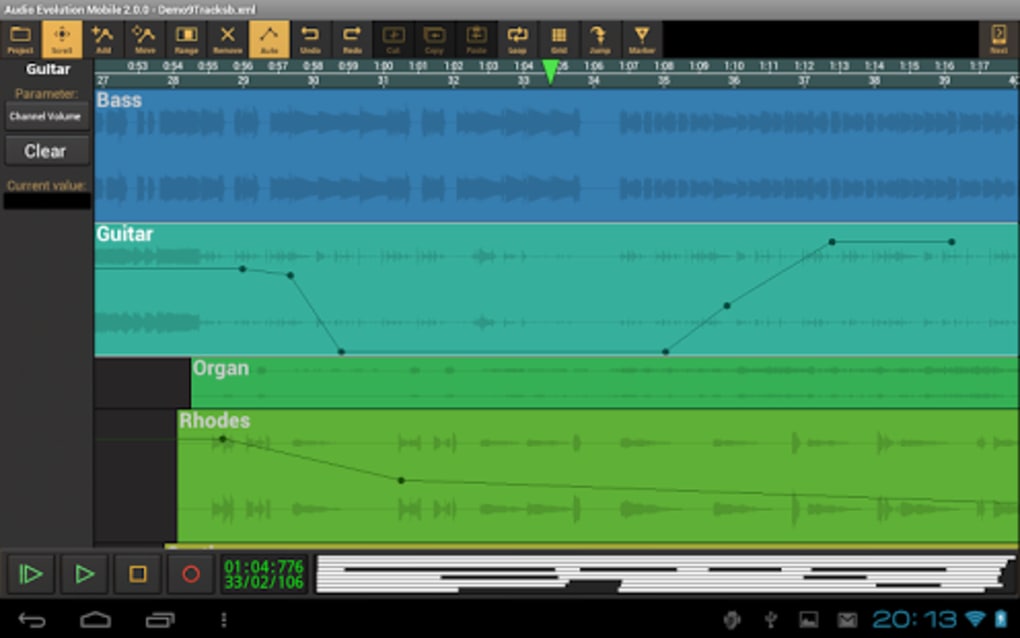
- Unlimited tracks and groups: Create complex arrangements with no limits on the number of tracks or grouping options, supporting intricate layering and organization.
- Unlimited undo operations: Safely explore creative changes without fear of irreversible edits, enhancing workflow flexibility and confidence.
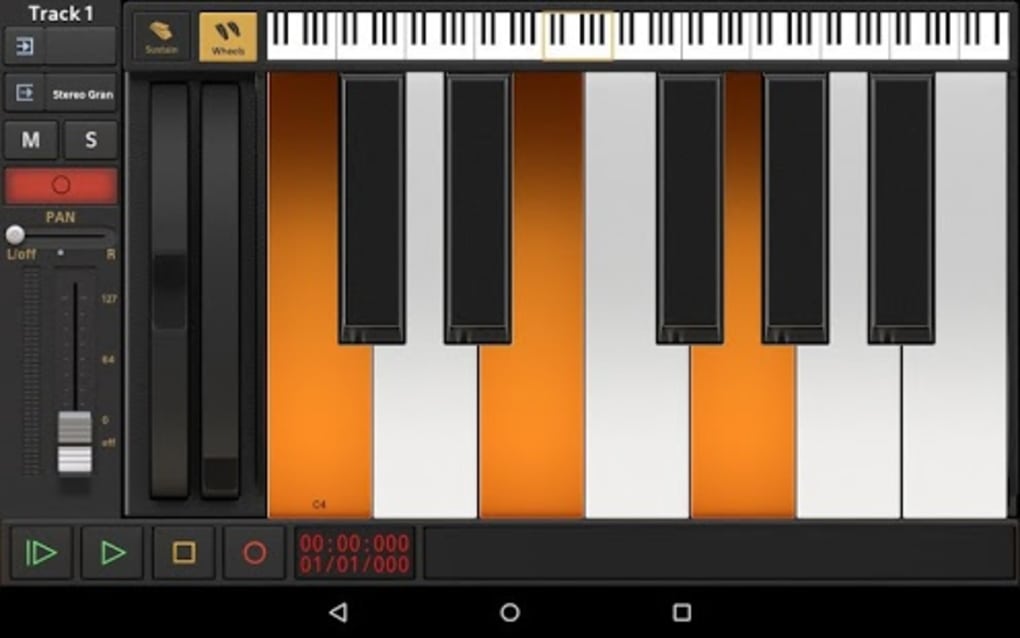
- MIDI remote control integration: Use external MIDI controllers to input musical data quickly and accurately, streamlining composition and performance.
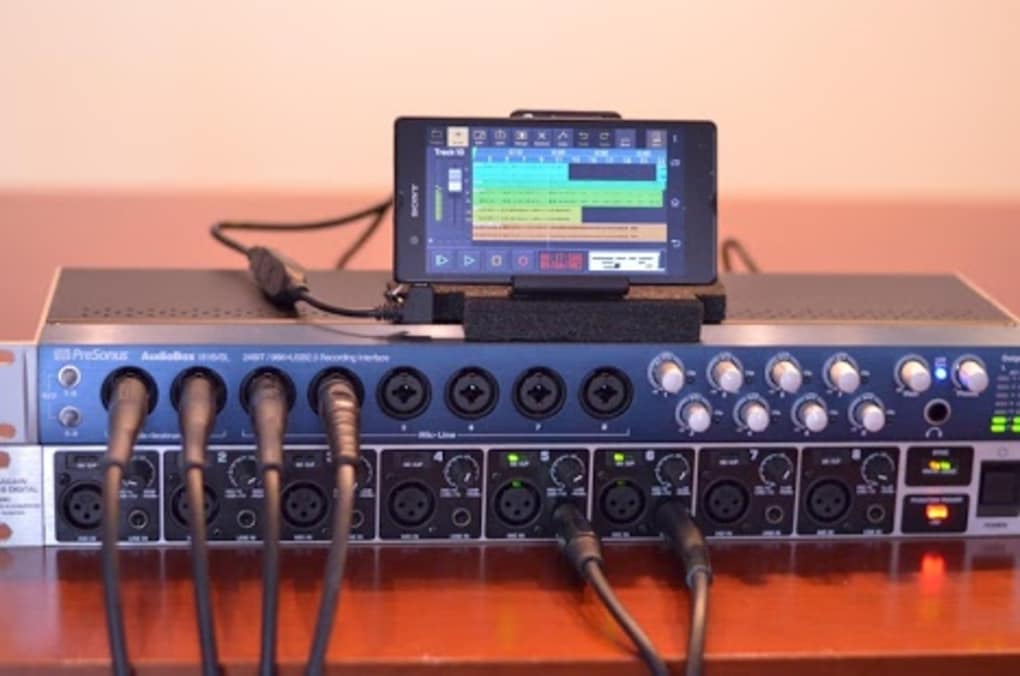
- On-device recording: Record audio using the device’s built-in microphone or connect external microphones for higher-quality input.
These capabilities allow users to record live performances, edit podcast segments, produce original music, or prepare audio content for distribution. The combination of real-time and offline effects enables both immediate creative feedback and precise post-processing. The intuitive interface ensures that even users with minimal technical background can access these tools effectively, making it suitable for both beginners and advanced creators.
User Interface, Workflow & Performance
The user interface of Audio Evolution Mobile Studio is designed to be simple and intuitive, allowing users to access core functions with minimal navigation. The layout prioritizes clarity, with clearly labeled controls and logical grouping of tools. Navigation is streamlined, enabling quick switching between recording, editing, and playback modes.
Workflow efficiency is enhanced by the app’s responsive design and accessible controls, which support touch-based operations across various screen sizes. Users can manage multiple tracks, apply effects, and edit clips with minimal friction. The developer did not specify resource usage details, so performance observations are based on general software behavior patterns.
However, the application appears optimized for mobile environments, maintaining stability during extended sessions. CPU and RAM behavior are not publicly documented, but the app’s lightweight nature suggests efficient memory management. No reports of crashes or freezes were mentioned.
The lack of specified update frequency means users should verify the latest version through official channels. Overall, the workflow supports a smooth, uninterrupted creative process, ideal for mobile music production.
Compatibility & System Requirements
Audio Evolution Mobile Studio is designed for mobile operating systems, though specific platform compatibility was not fully detailed by the developer. The software is available in a version that supports modern mobile devices, with an installation size that reflects a compact footprint suitable for mobile storage. Exact system requirements were not listed, so users should consult the official source for compatibility with their device model and OS version.
The developer did not specify hardware requirements such as processor speed, RAM, or storage capacity. It is unclear whether the software supports external audio interfaces or MIDI devices beyond basic functionality. Similarly, the developer did not provide information on whether the software can operate offline.
Users should confirm connectivity needs through official documentation. Despite these gaps, the app appears tailored for smartphones and tablets, ensuring broad accessibility across popular mobile platforms.
Pros and Cons
Pros
- Comprehensive feature set for a mobile audio workstation
- Supports a wide range of audio formats for maximum compatibility
- Real-time and offline audio effects for flexible editing
- Unlimited tracks, groups, and undo operations enhance creative freedom
- Intuitive interface suitable for users of all skill levels
- Offers MIDI remote control for faster music input
- On-device recording with support for external microphones
- Portable and accessible for on-the-go music production
Cons
- Exact system requirements were not provided
- Resource usage details (CPU, RAM) are unspecified
- Update frequency is not disclosed
- License type and pricing model are not available
- Offline functionality status is unclear
- Support for external audio devices is not confirmed
FAQ Section
Is Audio Evolution Mobile Studio compatible with my smartphone?
Compatibility information is limited. The software is designed for mobile platforms, but specific device and OS support details were not provided by the developer.
Can I use this app without an internet connection?
The developer did not specify whether Audio Evolution Mobile Studio can function offline. Users should verify connectivity requirements through official sources.
Does the app support external microphones and MIDI controllers?
On-device recording supports built-in and external microphones. MIDI remote control is supported, but further integration with external hardware was not confirmed.
How often are updates released for this software?
The update frequency was not disclosed by the developer. Users are advised to check the official channel for the latest version.
Is the software free to download and use?
The pricing model and license type were not provided. Users should refer to the official platform for accurate information on cost and usage rights.
Final Thoughts
Audio Evolution Mobile Studio stands out as a robust mobile solution for music creation and audio editing, delivering a professional-grade experience on handheld devices. With its rich feature set, intuitive interface, and support for real-time and offline processing, it bridges the gap between mobile convenience and desktop-level functionality. Whether you're recording a spontaneous melody, editing a podcast, or producing a full track, this app provides the tools needed to bring ideas to life.
Its unlimited tracks, groups, and undo operations empower users to experiment freely. While some details like system requirements, resource usage, and update schedules remain unspecified, the overall design and capabilities suggest a mature, well-considered application. For mobile music producers, audio editors, and creative enthusiasts seeking a portable studio, this software is a compelling choice.
Download Audio Evolution Mobile Studio now.






.png)
